10 High-Income Skills You Can Learn Online for Free in 2026 Learning a valuable skill can help you explore freelance work, remote jobs, and new career opportunities without paying for expensive courses. The challenge is knowing which skills are worth learning, where to find reliable training, and how to turn your knowledge into something useful.
10 High-Income Skills You Can Learn Online for Free in 2026
Learning a valuable skill can help you explore freelance work, remote jobs, and new career opportunities without paying for expensive courses. The challenge is knowing which skills are worth learning, where to find reliable training, and how to turn your knowledge into something useful.
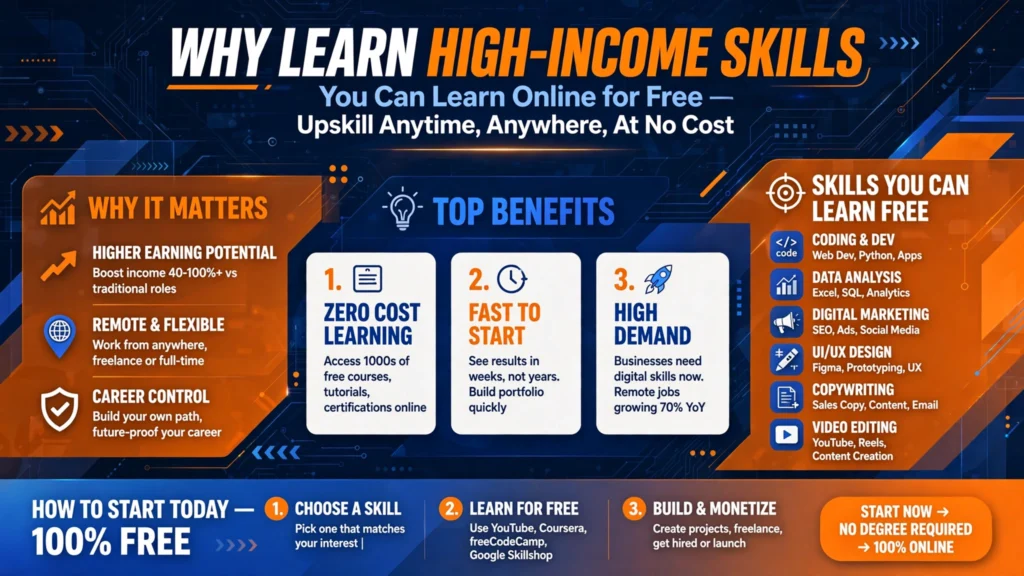
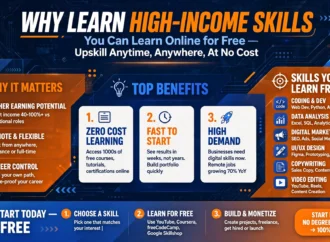
Why Learn High-Income Skills You Can Learn Online for Free
You do not need to learn ten skills at once or collect dozens of certificates. Start with one skill that interests you, practise it regularly, and create a project that demonstrates what you can do.
In this guide, you will discover 10 high-income skills you can learn online for free, the resources available to beginners, and practical ways to build experience. Although these skills can lead to income opportunities, earnings are never guaranteed. Your results will depend on your abilities, experience, portfolio, and the opportunities available to you.
What Makes a Skill Valuable?
A skill becomes valuable when it helps someone solve a problem, save time, communicate effectively, reach customers, or improve a business process.
For example, a business might need a website, a clearer product description, or a report explaining its sales. People with the relevant skills can help complete these tasks.
However, learning a skill and earning money from it are two different things. You must also practise, demonstrate your abilities, communicate professionally, and understand what potential clients or employers need.
The following skills have accessible online learning resources. Some tools offer free versions, while advanced features, subscriptions, and professional certifications may cost money.
 1. Web Development
 1. Web Development
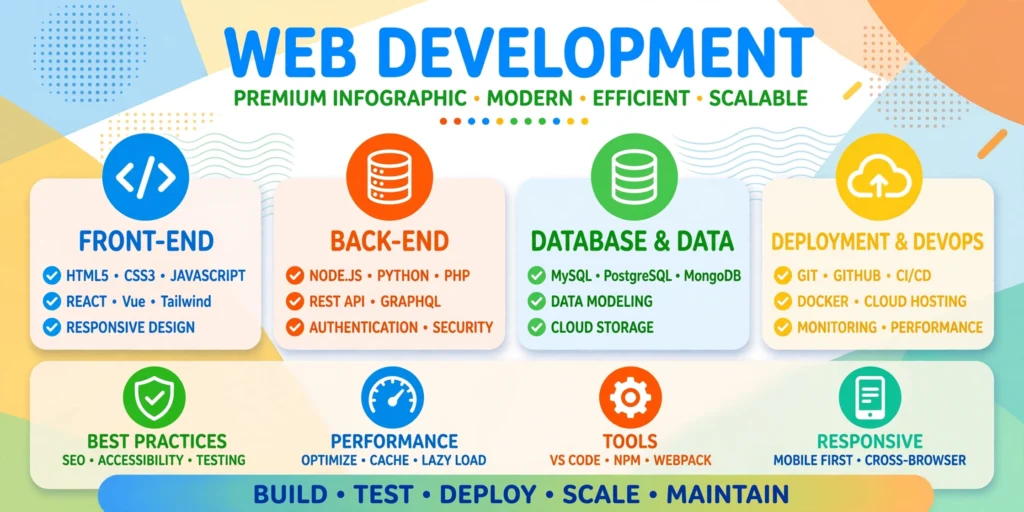
Web development involves creating and maintaining websites and web applications. It can suit people who enjoy technology, logical thinking, and solving practical problems.
Why businesses need web developers
Businesses use websites to present their services, attract customers, publish information, and sell products. Web developers help build these websites and make them functional across different devices.
What should you learn first?
Begin with these fundamentals:
– HTML: Organises webpage content, including headings, paragraphs, images, and links.
– CSS: Controls colours, typography, spacing, and page layouts.
– JavaScript: Adds interactive features to websites.
– Git and GitHub: Help you track code changes and share projects.
Start with HTML and CSS before moving on to JavaScript. Learning a few fundamentals well is more useful than trying to master several programming languages simultaneously.
Free learning resource
“freeCodeCamp” (https://www.freecodecamp.org/) offers free interactive coding lessons and project-based learning for beginners.
Beginner project
Create a responsive website for an imaginary bakery. Include a homepage, menu, opening hours, contact information, and navigation that works on mobile devices.
Possible career opportunities
With sufficient practice, web development can support applications for junior developer roles, website maintenance work, and freelance website projects.
Keep in mind: Debugging and building functional websites take practice. A certificate alone does not demonstrate that you can deliver a working website.
2. Data Analytics
 2. Data Analytics
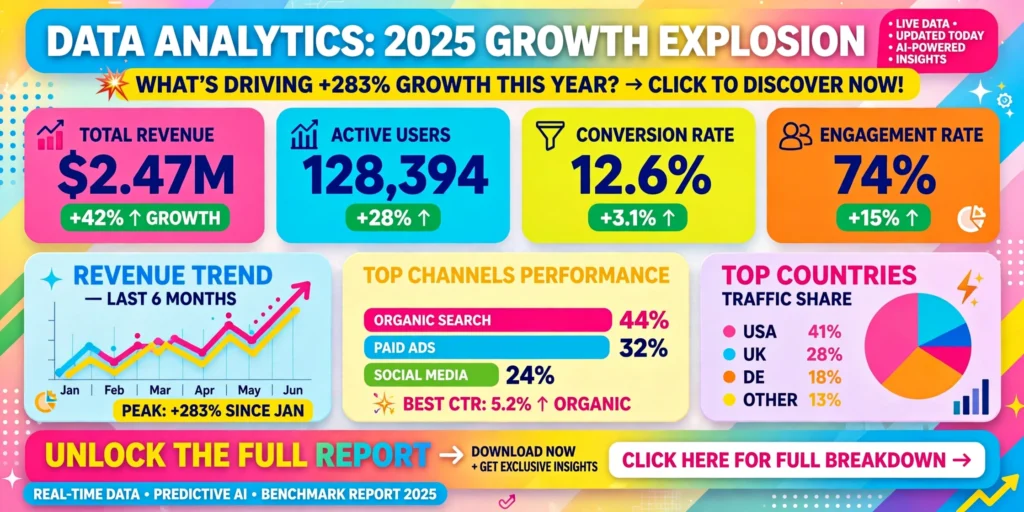
Data analytics involves examining information to identify patterns, answer questions, and support better decisions. Beginners can start with spreadsheets before progressing to more advanced tools.
Why businesses need data analysts
Businesses collect information about sales, customers, expenses, and website activity. They need people who can organise this information and explain what it reveals.
For example, a shop owner might want to identify the best-selling products or understand why sales changed from one month to another.
What should you learn first?
Focus on:
– Spreadsheet formulas, sorting, and filtering.
– Data cleaning and organisation.
– Basic statistics.
– Pivot tables and charts.
– SQL fundamentals.
– Data visualisation and reporting.
Remember that a chart is only useful when it helps answer a meaningful question. Learn to explain your findings in simple language.
Free learning resources
– “Microsoft Learn” (https://learn.microsoft.com/training/) provides learning modules covering data concepts and related Microsoft technologies.
– “Microsoft Power BI” (https://learn.microsoft.com/power-bi/) provides documentation and training resources for creating reports and analysing data.
Some software features and professional certification exams may require payment.
Beginner project
Create a spreadsheet of fictional shop sales covering six months. Calculate total revenue, compare product categories, and prepare a dashboard showing three important findings.
Possible career opportunities
Data analytics skills may help you work towards junior analyst roles, reporting assistance, business intelligence, or spreadsheet-based freelance projects.
Keep in mind: Real-world data can contain missing or incorrect information. Checking data quality and explaining uncertainty are essential parts of the job.
 3. Search Engine Optimization (SEO)
 3. Search Engine Optimization (SEO)
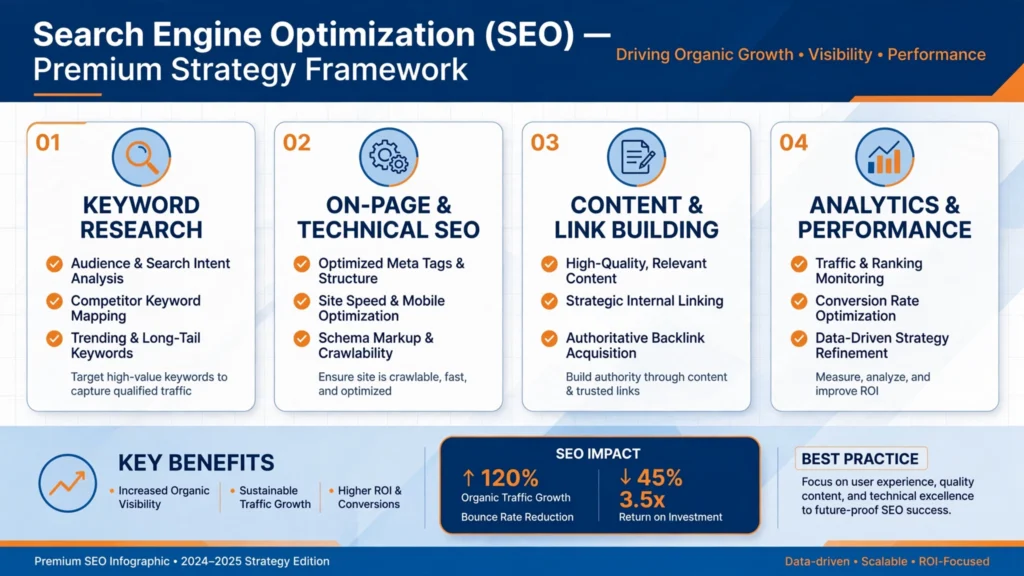
Search engine optimization, commonly called SEO, helps website owners make their pages easier for search engines to discover and understand. Effective SEO also focuses on giving visitors useful answers to their questions.
Why businesses need SEO
Businesses want potential customers to discover their websites through relevant searches. SEO professionals help improve content, understand search intent, identify technical problems, and measure website performance.
SEO is more than adding keywords to an article. It involves understanding what readers want, organising information clearly, and making a website accessible to both visitors and search engines.
What should you learn first?
Start with:
– Keyword research and search intent.
– Helpful content and heading structure.
– Page titles and meta descriptions.
– Internal linking.
– Basic technical SEO.
– Google Search Console and performance reports.
Learn to measure progress rather than assuming that every change will immediately improve rankings.
Free learning resources
– “Google’s SEO Starter Guide” (https://developers.google.com/search/docs/fundamentals/seo-starter-guide) explains the basics of making websites more accessible to search engines and users.
– “Semrush Academy” (https://www.semrush.com/academy/) offers courses on SEO and digital marketing. Check individual course pages for current access and certification details.
Beginner project
Choose five pages from a sample website. Identify the intended audience, improve unclear titles, review headings, and suggest relevant internal links. Explain how each change could make the pages more useful.
Possible career opportunities
SEO can lead towards content optimization, keyword research, website audits, SEO writing, and digital marketing assistance.
Keep in mind: Rankings and indexing are not guaranteed. Results depend on many factors, including competition, website quality, search engine changes, and how well a page satisfies its audience.
4. Copywriting and Content Writing
 4. Copywriting and Content Writing
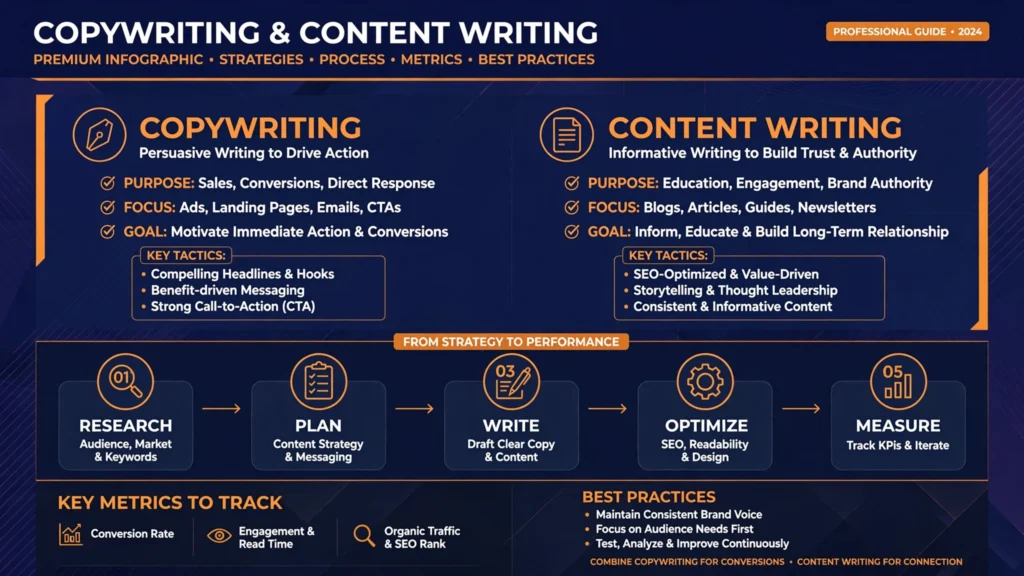
Copywriting and content writing both require strong communication, but they usually serve different purposes. Copywriting aims to encourage an action, such as making an enquiry, while content writing often explains a subject or answers a question.
Why businesses need writers
Businesses need blog articles, product descriptions, website pages, email campaigns, landing pages, and marketing materials. Good writing helps people understand information and decide what to do next.
Effective writing does not depend on complicated vocabulary. It depends on understanding the reader and communicating accurately.
What should you learn first?
Practise:
– Researching the target audience.
– Writing clear headlines and introductions.
– Organising information logically.
– Matching tone to purpose.
– Editing for clarity and grammar.
– Checking facts and sources.
– Writing suitable calls to action.
AI tools can assist with brainstorming and organising ideas, but you remain responsible for checking facts, originality, and the quality of the final work.
Free learning resource
“HubSpot Academy” (https://academy.hubspot.com/) offers free marketing courses, including content marketing training. Review the course page for current availability and certificate requirements.
Beginner project
Write a 700-word buying guide for an everyday product. Explain who the guide is for, compare three options using reliable information, and help readers decide which option best suits their needs.
Possible career opportunities
You could work towards blog writing, website copywriting, product descriptions, email writing, or content marketing roles.
Keep in mind: General writing services can be competitive. Reliable research, accurate information, original explanations, and the ability to follow a client’s instructions can help distinguish your work.
5. Email Marketing
 5. Email Marketing
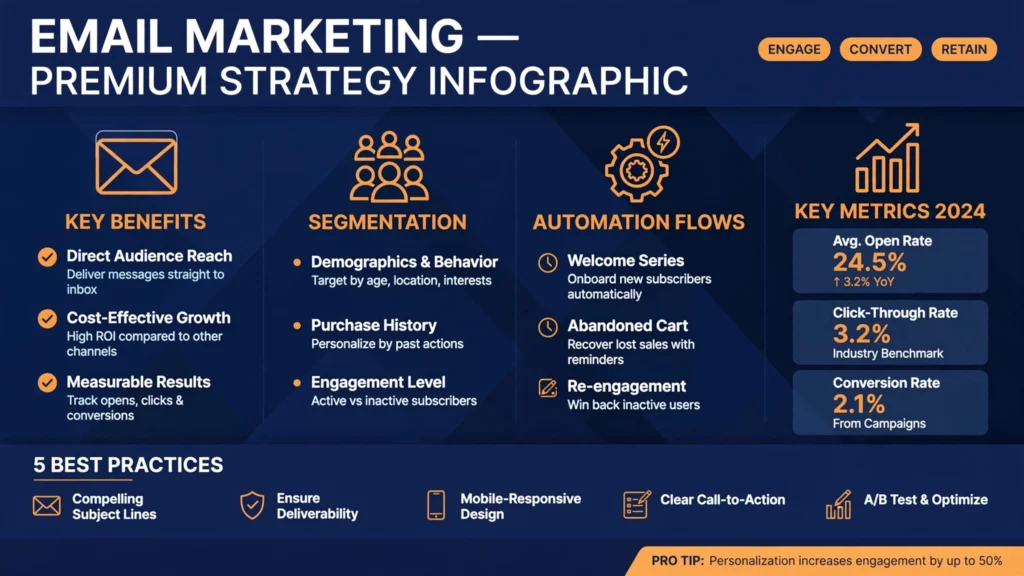
Email marketing involves sending useful and relevant messages to people who have agreed to receive communications from a business or organisation.
It can include welcome emails, newsletters, product announcements, educational messages, and customer updates.
Why businesses need email marketers
Email helps organisations maintain relationships with their audiences and communicate information directly. Businesses need campaigns that provide value instead of sending unwanted or repetitive promotions.
What should you learn first?
Learn about:
– Subject lines and email copy.
– Calls to action.
– Subscriber segmentation.
– Mobile-friendly email layouts.
– Email deliverability.
– Clicks, conversions, and unsubscribes.
– Consent and privacy requirements.
Free learning resource
“HubSpot Academy” (https://academy.hubspot.com/) provides email marketing training covering campaign planning, segmentation, personalisation, and performance measurement. Check the course page for current certification details.
The training may be free even when the email software or its advanced features are not.
Beginner project
Create a five-email welcome sequence for a fictional educational newsletter. Include a welcome message, a useful tutorial, a common mistake to avoid, a recommended resource, and a final message introducing a relevant service.
Possible career opportunities
Email marketing can support work as a marketing assistant, campaign coordinator, email copywriter, or lifecycle marketing specialist.
Keep in mind: Campaign results depend on the audience, content, timing, and deliverability. A small test does not guarantee that a future campaign will perform equally well.
6. Graphic Design
 6. Graphic Design
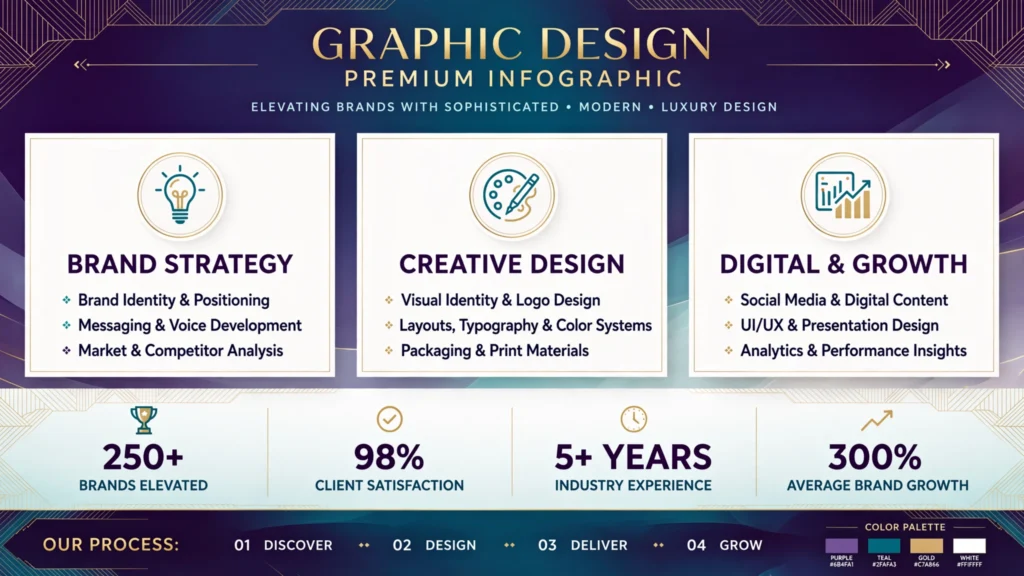
Graphic design uses typography, colour, images, spacing, and layout to communicate information visually. It is useful for websites, social media, presentations, advertisements, and other marketing materials.
Why businesses need graphic designers
Businesses need visual content that is clear, consistent, and appropriate for their audiences. A small business might require promotional graphics, presentation slides, or branded social media posts.
What should you learn first?
Focus on these design principles:
– Typography and font pairing.
– Colour and contrast.
– Visual hierarchy.
– Spacing and alignment.
– Image selection and cropping.
– Brand consistency.
– Readability and accessibility.
Learning design principles is more important than learning every feature of a design application.
Free learning resource
“Canva Design School” (https://www.canva.com/designschool/) offers design education and tutorials. Canva has free design features, but some templates, images, and advanced tools require a paid plan.
Beginner project
Design six coordinated social media graphics for an imaginary coffee shop. Include a promotion, a menu item, a customer question, and a business announcement. Keep the branding consistent while adapting each graphic to its purpose.
Possible career opportunities
Graphic design can lead to social media design, presentation design, marketing materials, and other visual content projects.
Keep in mind: Knowing how to use a design tool is not the same as understanding design. Strong results require judgement, practice, and the ability to respond to feedback.
7. Video Editing
 7. Video Editing
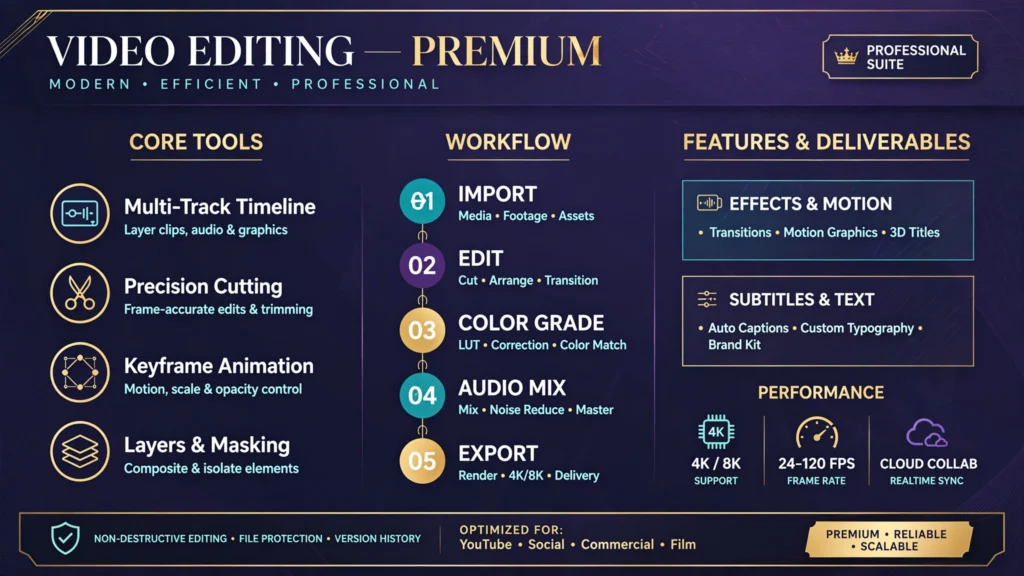
Video editing involves selecting, arranging, and improving video and audio clips to communicate a message. Editors work on social media videos, interviews, educational content, product demonstrations, and promotional material.
Why businesses need video editors
Businesses use videos to explain products, demonstrate services, educate audiences, and communicate stories. Good editing helps viewers follow the message without unnecessary distractions.
What should you learn first?
Practise:
– Trimming and arranging clips.
– Creating a logical sequence.
– Improving audio clarity.
– Adding readable captions.
– Using transitions appropriately.
– Basic colour correction.
– Exporting videos in suitable formats.
Concentrate on storytelling and pacing before adding complicated visual effects.
Free learning resource
“Adobe’s video tutorials” (https://www.adobe.com/learn/premiere-pro) provide lessons on video editing. The tutorials can be accessed without buying the software, but Premiere Pro generally requires a paid subscription.
You can also investigate free video editors and check their current features and device requirements before installing them.
Beginner project
Create a 45-second promotional video for a fictional local business. Use original or properly licensed footage, clear audio, readable captions, and a logical beginning, middle, and ending.
Possible career opportunities
Video editing skills may be useful for short-form content, YouTube videos, educational material, interviews, and promotional projects.
Keep in mind: Editing can require considerable time, storage, and computing power. Clients may also request several rounds of revisions.
8. UI/UX Design
 8. UI/UX Design
User interface (UI) design focuses on the visual and interactive elements of digital products. User experience (UX) design looks more broadly at how people use those products and whether they can accomplish their goals easily.
Why businesses need UI/UX designers
A website or app may offer useful features but still confuse users. UI/UX designers help make digital experiences easier to understand, navigate, and use.
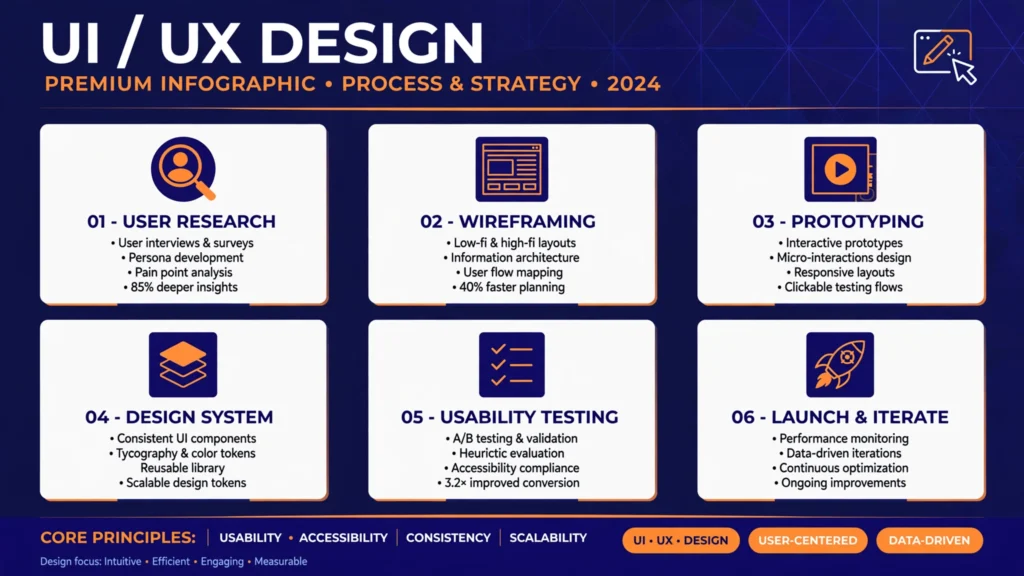
Their work can include research, wireframes, prototypes, usability testing, and collaboration with developers.
What should you learn first?
Begin with:
– Understanding user needs.
– Planning user flows.
– Organising information.
– Creating wireframes.
– Designing consistent interfaces.
– Building interactive prototypes.
– Testing designs with users.
– Applying accessibility principles.
Free learning resource
“Figma Learn” (https://help.figma.com/hc/en-us/categories/360002051613-Learn-design) provides tutorials and learning materials for interface design and related workflows. Check Figma’s current plan for any feature limitations.
Beginner project
Design a booking process for a fictional clinic. Create a user flow, sketch three screens, and build a clickable prototype. Ask a few people to try it and record where they become confused.
Possible career opportunities
UI/UX skills can support pathways into interface design, product design, prototyping, and UX research assistance.
Keep in mind: An attractive screen does not automatically create a good user experience. Testing and improving a design based on feedback are important parts of the process.
9. Social Media Marketing
 9. Social Media Marketing
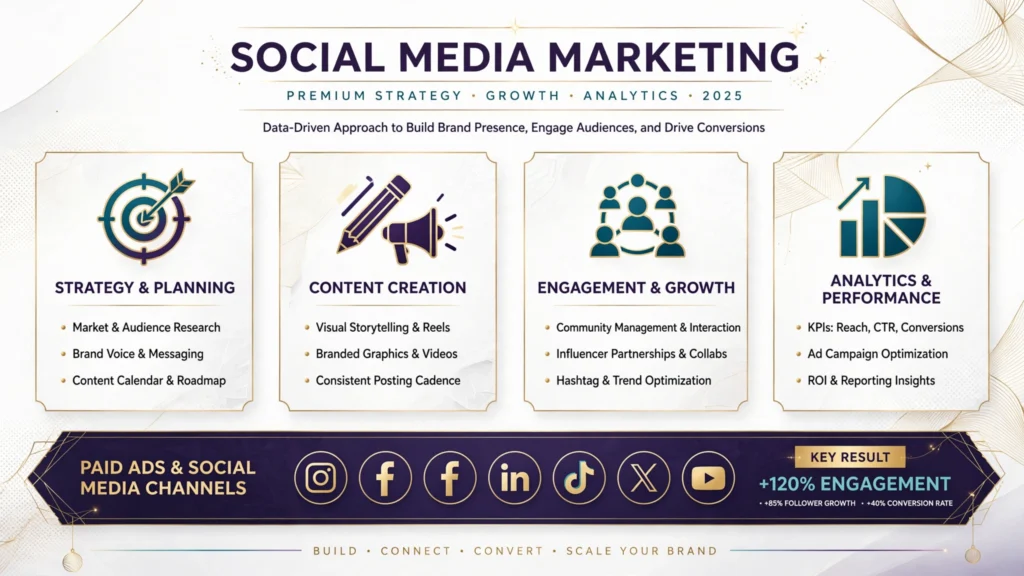
Social media marketing involves planning, creating, publishing, and evaluating content for social platforms. It combines communication, creative work, audience research, and performance analysis.
Why businesses need social media marketers
Businesses use social media to explain their products, answer questions, communicate with customers, and build awareness. A useful strategy connects each post to a clear audience and business objective.
What should you learn first?
Focus on:
– Identifying the target audience.
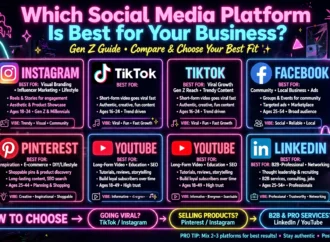
– Choosing suitable platforms.
– Planning a content calendar.
– Writing effective captions.
– Maintaining a consistent brand voice.
– Responding professionally to comments.
– Measuring engagement and conversions.
Follower count alone does not tell you whether a campaign is successful. The right measurements depend on its objective.
Free learning resources
– “HubSpot Academy” (https://academy.hubspot.com/) offers social media marketing training.
– “Meta Blueprint” (https://www.facebook.com/business/learn) provides learning resources related to Facebook, Instagram, and business marketing.
Check individual course pages for current access, certification conditions, and any requirements.
Beginner project
Create a two-week content calendar for an imaginary clothing brand. Include ten post ideas, suggested formats, captions, target audiences, and a measurable goal for each post.
Possible career opportunities
Social media marketing can support work in social media management, content coordination, community management, and digital marketing assistance.
Keep in mind: Organic reach can fluctuate, and platform features change. Paid advertising is a separate skill that also requires budgeting and campaign management.
10. Workflow Automation and AI-Assisted Processes
Workflow automation connects tasks and digital tools so that routine work can happen with fewer manual steps. AI-assisted workflows may help classify information, summarise text, or draft responses.
The useful skill is not simply writing prompts. It is understanding a process, choosing appropriate tools, and checking that the result is reliable.
Why businesses need automation
Businesses often repeat tasks such as organising enquiries, updating spreadsheets, sending notifications, and preparing routine summaries. Well-designed automation can reduce repetitive work and help teams stay organised.
What should you learn first?
Learn how to:
– Map a process from beginning to end.
– Understand triggers, actions, and conditions.
– Connect applications.
– Give AI tools clear instructions.
– Test errors and incomplete information.
– Protect confidential data.
– Check automated results before relying on them.
Free learning resource
“Zapier’s blog” (https://zapier.com/blog/) provides tutorials and explanations of automation and app integrations. Its service has plan limits, so check current pricing and features before building a workflow that depends on it.
Beginner project
Design a workflow for a fictional tutoring business. When someone submits an enquiry form, the process should record the details in a spreadsheet and notify the business owner. Test incomplete entries and duplicate submissions.
Possible career opportunities
This skill may be useful for workflow documentation, basic no-code integrations, administrative processes, and AI-assisted operations.
Keep in mind: Automated systems can fail or produce inaccurate results. Test workflows carefully, protect personal information, and keep human review for important decisions.
How to Choose the Right Skill for You
You do not need to learn all ten skills. Choose one that matches your interests, available time, and the equipment you can access.
If you enjoy…| Consider learning…| First project
Building things and solving technical problems| Web development| A responsive website
Numbers and patterns| Data analytics| A sales dashboard
Research and improving website content| SEO| A sample website audit
Writing and explaining ideas| Content writing| A product guide
Planning customer communication| Email marketing| A welcome email sequence
Visual communication| Graphic design| A set of branded graphics
Storytelling through video| Video editing| A short promotional video
Improving digital experiences| UI/UX design| A clickable prototype
Content planning and audience engagement| Social media marketing| A two-week content calendar
Improving repetitive processes| Workflow automation| An enquiry workflow
Before choosing, ask yourself three questions:
1. Can I practise regularly? Choose something that fits your schedule and available equipment.
2. Can I demonstrate my ability? Look for a project you can complete and show to potential clients or employers.
3. Are there real opportunities? Review job descriptions, freelance listings, and business needs in your preferred market.
You can combine related skills later. For example, SEO and content writing work well together, while graphic design and social media marketing can support the same business.
A Realistic 30-Day Learning Plan
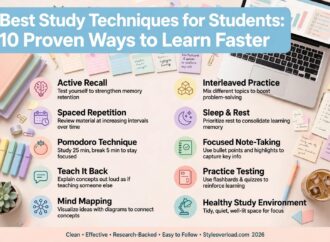
A month is enough to build a foundation and complete a small project in many skills. It is not a guarantee that you will become professionally proficient within 30 days.
Week 1: Learn the fundamentals
Choose one reputable course or tutorial series. Study the essential concepts and practise small exercises. Avoid switching between several courses before finishing the basics.
Week 2: Practise the core techniques
Repeat exercises, work through mistakes, and try completing simple tasks without following every step of a tutorial.
Week 3: Build an independent project
Choose a realistic problem and create something that addresses it. Record your decisions and check your work for errors.
Week 4: Improve and present your work
Ask for feedback, revise your project, and prepare a portfolio entry that explains the problem, your approach, and what you learned.
How much time should you spend learning?
A starting target of 30–60 minutes a day may work if it fits your routine. You can adjust the schedule according to your responsibilities and the difficulty of the subject.
At the end of the month, aim to have a stronger foundation and one completed project. Some skills, including web development and data analytics, generally require further practice before you are ready for professional work.
How to Turn a Skill Into an Income Opportunity
Learning is the first step. To explore paid work, you must also demonstrate your ability and understand what clients or employers expect.
1. Build a small portfolio
Start with one or two relevant projects. Explain what each project does, which tools you used, and what problem it addresses. Clearly label fictional or practice projects rather than presenting them as paid client work.
2. Research real opportunities
Review job descriptions and freelance listings to identify recurring requirements. Look for the tools, experience, communication skills, and services that employers or clients request.
3. Offer a specific service
Instead of claiming to do everything, describe a task you can genuinely perform. Examples include editing a short video, improving webpage titles, designing social media graphics, or building a basic website.
4. Agree on the work before starting
For paid projects, confirm the scope, deadline, revisions, and payment terms before beginning. Be cautious of anyone who promises guaranteed earnings or asks you to pay an upfront fee to secure a job.
If you are under 18, check the age requirements of freelance platforms and payment services, and involve a trusted adult where necessary. Never provide false age information to create an account.
5. Improve through feedback
Review your work, learn from mistakes, and update your portfolio as your abilities grow. Choose your next learning goal based on the skills you actually need to improve.
Your first project may not generate income immediately. Treat early work as an opportunity to practise, build evidence of your abilities, and understand the needs of your chosen market.
Frequently Asked Questions
Can I learn high-income skills online for free without a degree?
Yes. Many foundational skills can be learned through free courses, documentation, tutorials, and independent projects. However, some employers require formal qualifications, and others expect relevant experience. Requirements vary by role.
How long does it take to earn money from a skill?
There is no universal timeline. It depends on the skill, your starting knowledge, the time you practise, and the expectations of clients or employers. Completing a beginner project may take weeks, while developing professional proficiency can take months or longer.
Do free online courses provide certificates?
Some providers offer certificates for selected free courses or learning programmes. Others charge for certification exams or restrict particular features. Check the official course page before enrolling. A certificate can show that you completed training, but practical work is also important.
Which skills can I learn using only a smartphone?
You can begin learning writing, SEO fundamentals, social media marketing, and basic graphic design using a smartphone. However, a computer is helpful for more advanced web development, data analytics, UI/UX design, and professional video editing.
Should I learn AI tools instead of a traditional skill?
It is generally more useful to learn how AI can support a specific skill than to rely on AI tools alone. For example, a writer can use AI to organise ideas while checking facts and editing the final article. A marketer can automate repetitive tasks while reviewing the results.
Which skill should a complete beginner choose first?
There is no single best choice for everyone. Choose based on your interests, the tools you can access, and the kinds of problems you would enjoy solving. Then complete a small project before deciding whether to continue.
Conclusion
The best high-income skill for you is one you can practise consistently, use to solve real problems, and demonstrate through practical work. Web development, data analytics, SEO, writing, marketing, design, video editing, UI/UX, and automation all offer different learning paths.
Start with one skill and a reputable free resource. Build a project, review your mistakes, and research the opportunities available in your preferred market.
You do not need to buy an expensive course to begin learning. Focus on useful knowledge, practical experience, and steady improvement. These steps can help you prepare for future opportunities, even though income and employment are never guaranteed.
You can practice these skills for free on platforms like freeCodeCamp.













Leave a Comment
Your email address will not be published. Required fields are marked with *